
Cyber & Network Security
Cyber Security
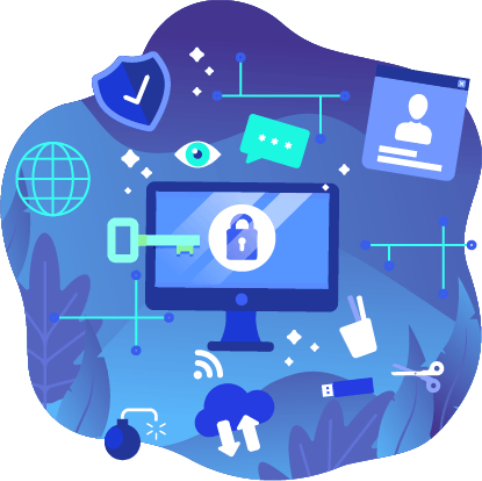
Refers to a set of techniques and methodologies used to protect integrity of networks, devices, programs, and data from damage, attack, or unauthorized access. In simple terms, cyber security is the practice of protecting internet-connected systems and networks from digital attacks.
Network Security
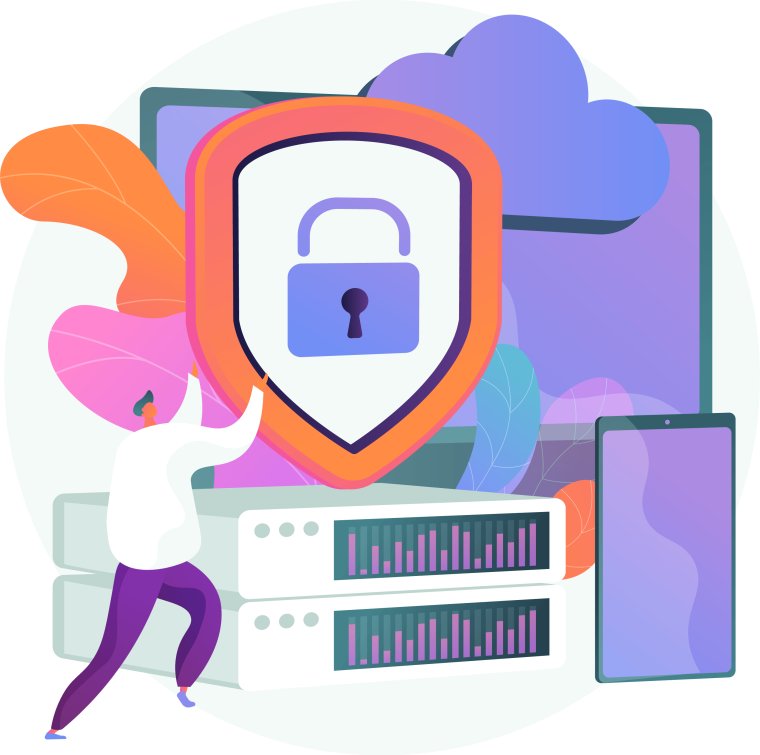
Consists of the policies, processes and practices adopted to prevent, detect and monitor unauthorized access, misuse, modification, or denial of a computer network and network-accessible resources. Network security involves the authorization of access to data in a network, which is controlled by the network administrator. Users choose or are assigned an ID and password or other authenticating information that allows them access to information and programs within their authority. Network security covers a variety of computer networks, both public and private, that are used in everyday jobs: conducting transactions and communications among businesses, government agencies and individuals. Networks can be private, such as within a company, and others which might be open to public access. Network security is involved in organizations, enterprises, and other types of institutions. It does as its title explains: it secures the network, as well as protecting and overseeing operations being done. The most common and simple way of protecting a network resource is by assigning it a unique name and a corresponding password.
Own It
Ever feel like your devices are listening to you? There is some truth to the fear, but the real risk is not in targeted advertising, but in what information you allow to be shared with app developers, social media platforms and the public. In the age of social media and connected apps for literally everything, what you share and who you share it with on the many platforms can make or break your business and career. Here are three tips to help you #OwnIT on social media:
Check your privacy settings
Who can see your social media pages? Do you limit items to just friends or are your pages public? It is also important to becareful about what you share, if you wouldn’t want your grandmother to see it, keep it off of the web.
Pay attention to permissions
FaceApp (the Russian face aging app) is just the latest to induce mass panic when people realized their photos had been permanently been uploaded to the app’s server. Be selective whenagreeing to install apps (and grant permissions) on your devices. If an app wants access to sensitive data on your phone, be sure it is one you can trust.
Delete unused apps
Remember that trending app from four months ago? No? Me either.Delete unused apps from your devices to prevent inadvertent sharing.

Protect It
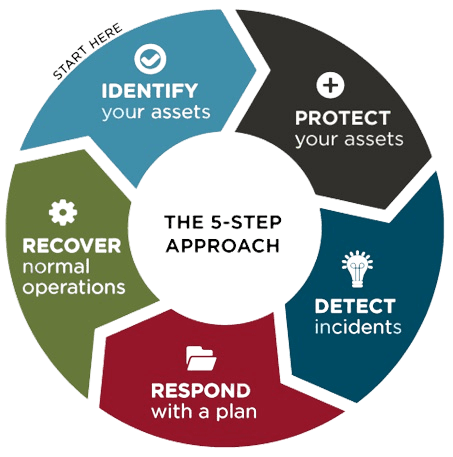
With all of the digital devices used personally and in business today there are countless opportunities for hackers to access data. Earlier this month, we shared how to #SecureIT with strong passwords. But, to be truly cyber smart, securing your data is only part of the equation — you also need to #ProtectIT
Here are a few key things that every business should do to #ProtectIT:
Build and maintain a strong firewall
Keep your users away from dangerous usage and intrusion by hackers. Your firewall is the first line of defense against cyber threats.
Secure WiFi networks
Restrict who is allowed on your wireless networks. If you allow guests on your network, keep their connection private from your own. If you access guest networks when out and about, consider extra internal security on your devices to protect data.
Keep your tech current
There is nothing that hackers like more than outdated software and systems that they already know how to sneak into. Be sure to frequently update your tech infrastructure and antivirus software.
Backup, backup, backup
Ensure you have a system in place that includes off-site backups of your data both online and offline.
Your path to #ProtectIT starts with an evaluation of what you are presently doing. We can help, give us a call or send us a message to review current efforts.